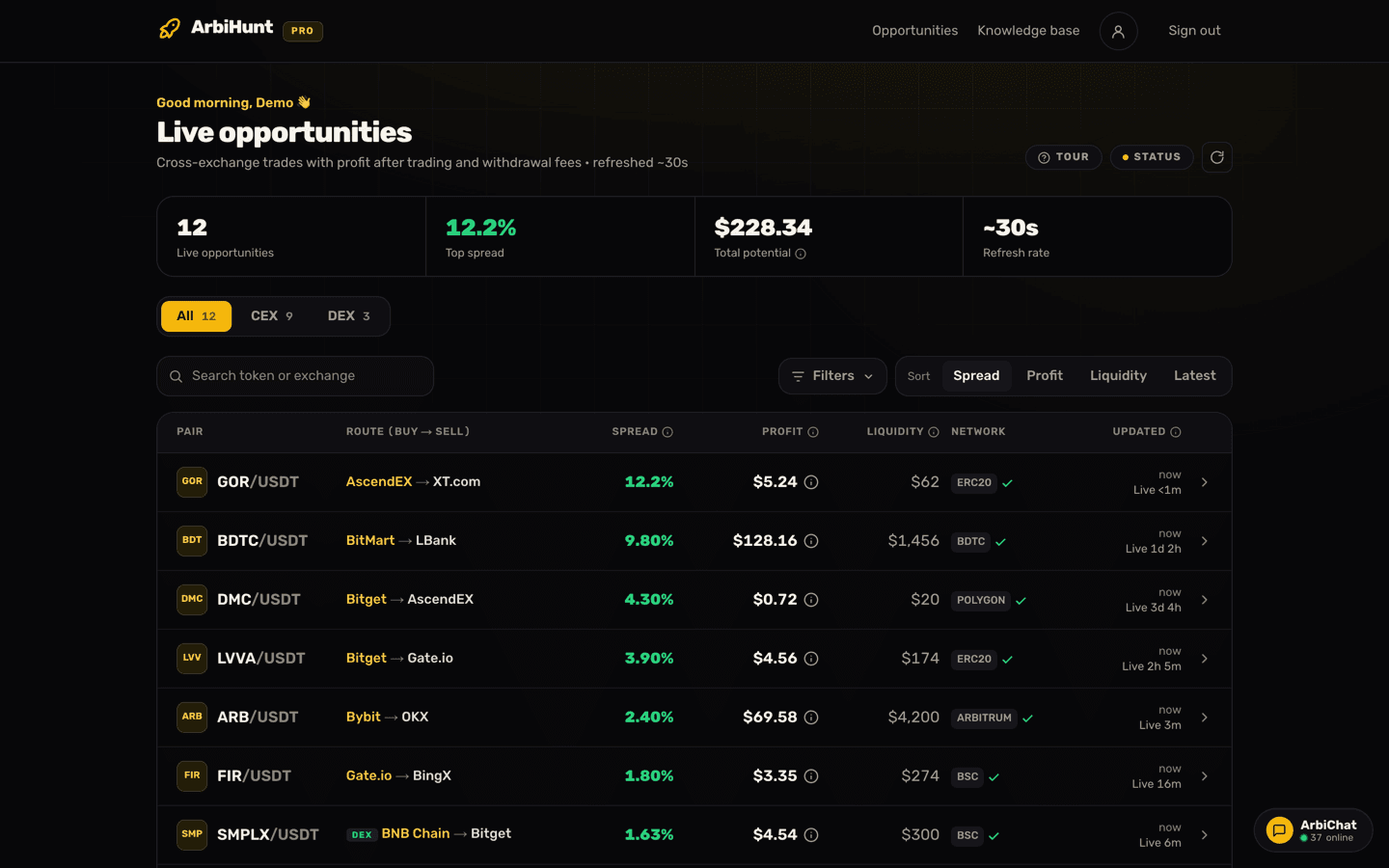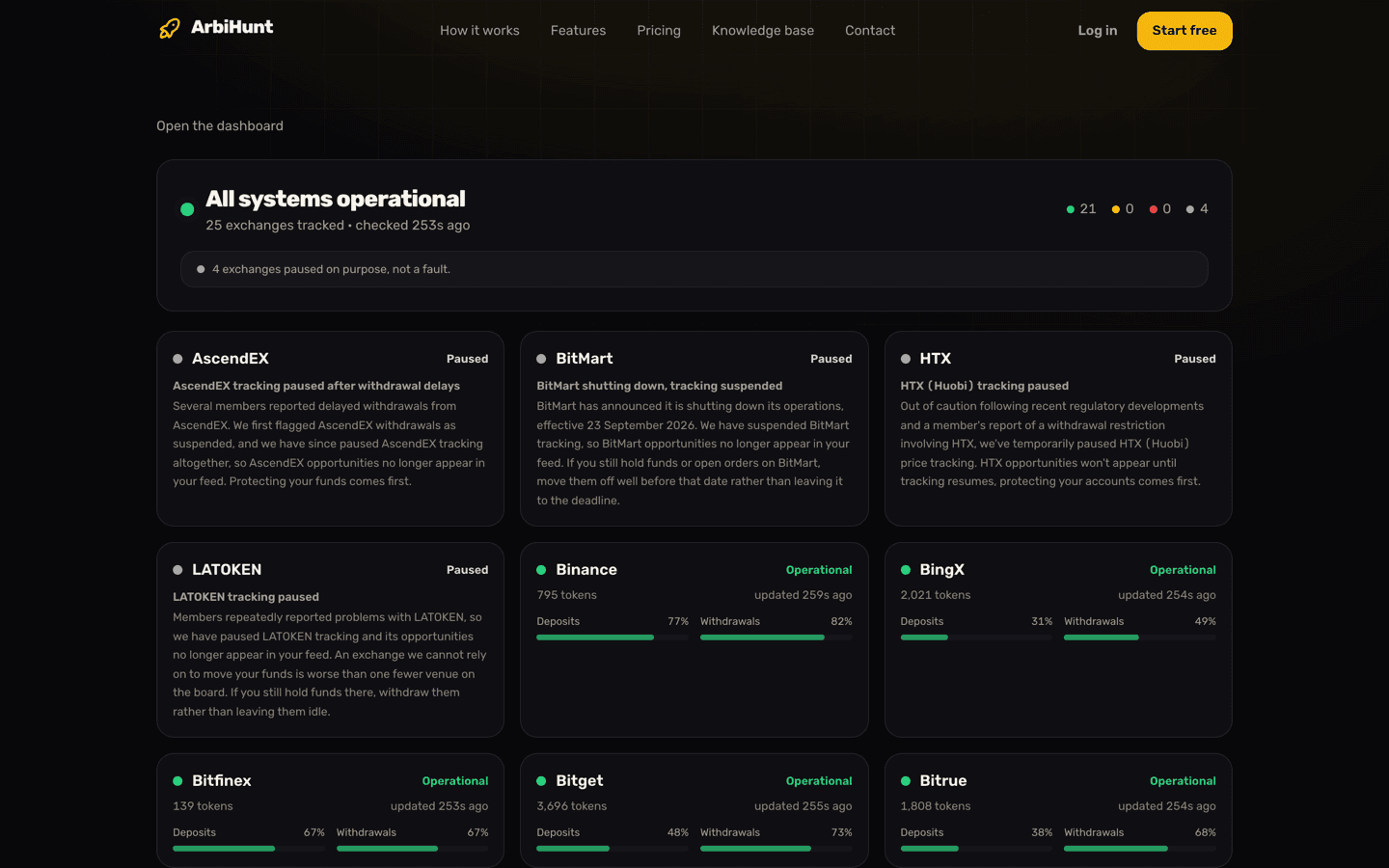
PRO belongs to your ArbiHunt account, not to a device. Buy it anywhere and it applies on arbihunt.com and in the iOS and Android apps, as long as you sign in the same way each time.
One thing then decides everything else on this page: where you bought it. If you are still deciding whether PRO is worth having, Free vs PRO compares what each plan shows on the board.
Where do I see my plan and expiry date?
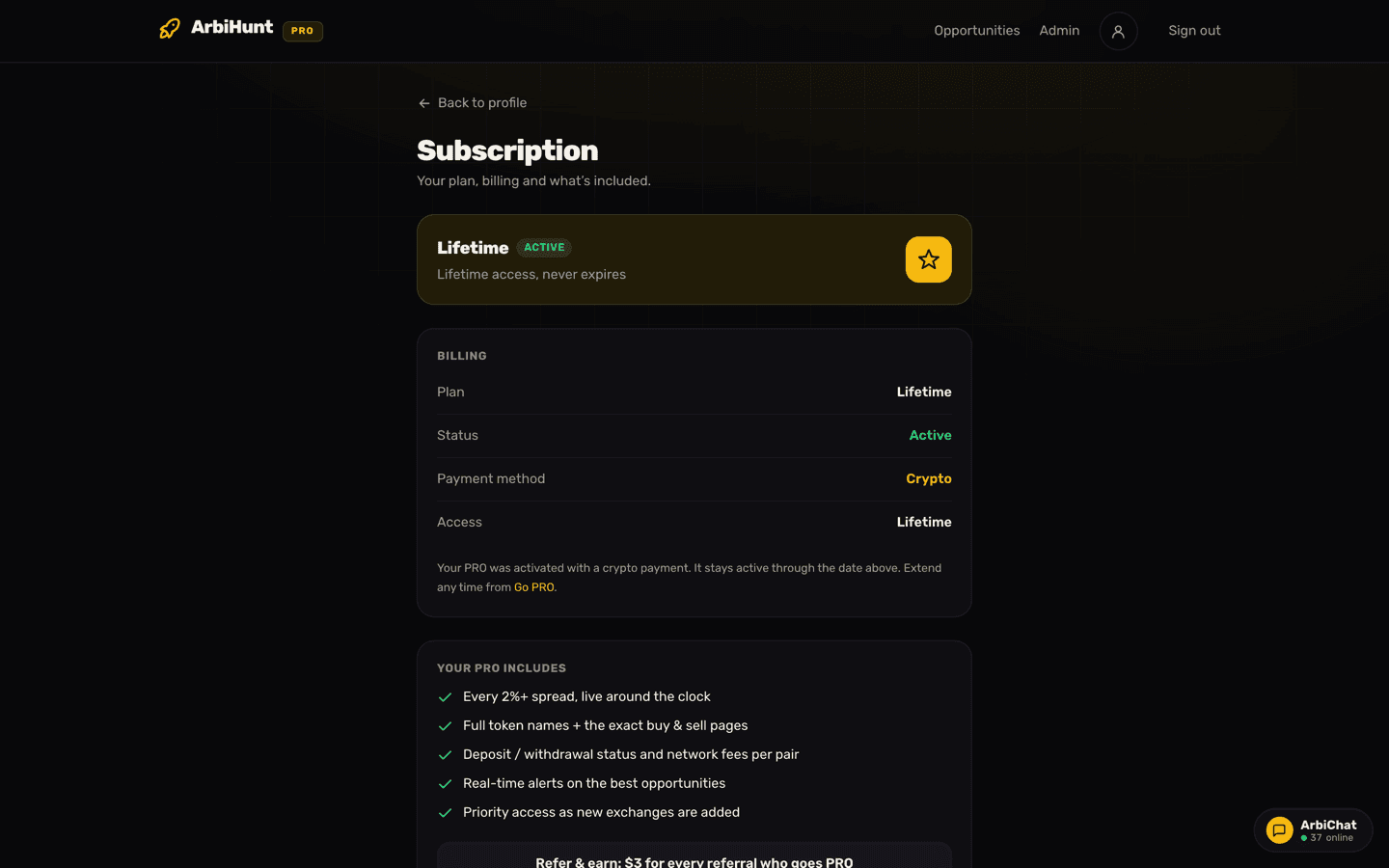
Open the menu, tap Profile, then the subscription card at the top of it. That opens Account → Subscription, the one screen that answers every billing question.
The card at the top states your plan and its status in a sentence:
- A crypto plan reads "Active until September 30, 2026 · 23 days left", counting down against the real date, or "Lifetime access, never expires". With three days or fewer to go it turns gold and reads "Ends in 2 days", and a timed crypto plan always has an Extend PRO button underneath.
- A store subscription reads "Renews automatically through your app store".
- A free account reads "Upgrade any time. Keep your free account forever", above an Upgrade to PRO button.
- A crypto plan that has run out reads "Your crypto PRO ended on" and the date, above a Renew PRO button.
Below that, the Billing card lists Plan, Status, Payment method (either Crypto or App Store / Google Play), and then either PRO ends with the date, Access reading Lifetime, or "Automatically via store".
For a quick yes or no, a gold PRO chip sits beside the logo in the header on every screen while the membership is active. If PRO shows on one device and not another, that is a sign-in question rather than a billing one: see Account and login help.
Which of the two billing models am I on?
The Payment method row settles it. Crypto means you bought on the web; App Store / Google Play means you bought inside the app. They behave very differently:
| Crypto, on the web | App Store or Google Play | |
|---|---|---|
| Renews by itself | No | Yes, until you cancel |
| At the end of the term | Reverts to free | Charged again |
| To stop it | Nothing to cancel | Cancel in the store |
| Lifetime available | Yes, one-time | Not offered |
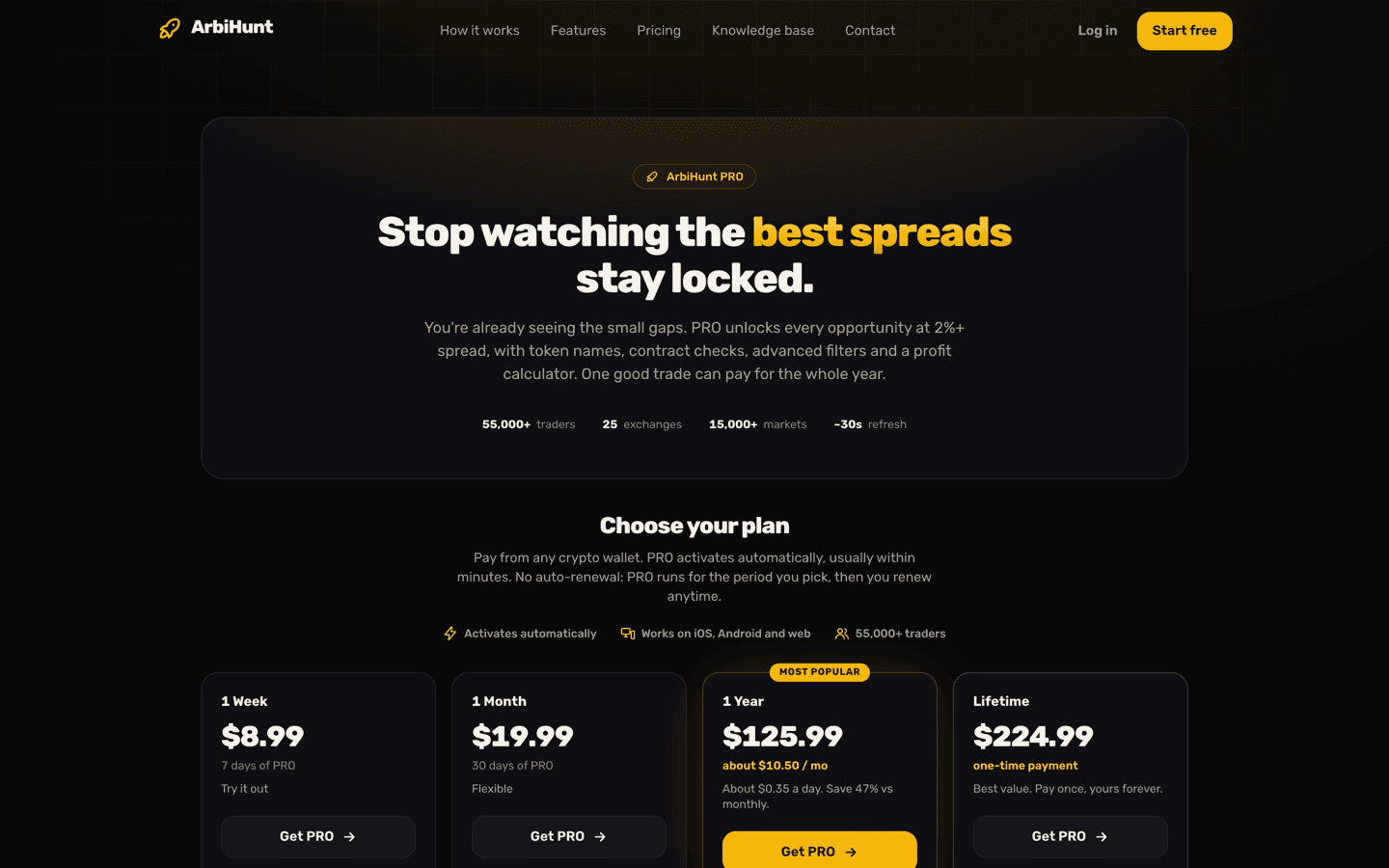
Prices are the same for the three timed plans on both routes and they change over time, so read them off the Go PRO page rather than from any article. As of this update: 1 Week $8.99, 1 Month $19.99, 1 Year $125.99, and Lifetime $224.99 as a one-off, which exists only on the crypto side.
Nothing is stored on the crypto route
One payment buys one period. ArbiHunt keeps no card, no wallet connection and no recurring authorisation, so nothing can charge you again by accident. When the date passes, the account goes back to free on its own.
How do I renew or extend a crypto plan?
Go to Go PRO, or tap Extend PRO on Account → Subscription, pick a term and pay. If you are signed in, Go PRO shows the date your PRO ends and the days left, and whatever you buy lands on this account.
A new term is added to the time you have left, not instead of it, whichever way you pay: from a wallet, with Binance Pay or with OKX Pay. The grant takes whichever is later, your current expiry or today, and adds the new plan's days on top. So renewing early never costs you anything:
- 11 days left on a 1 Month plan, then you buy another 1 Month: 11 + 30 = 41 days of PRO from today.
- 11 days left, then you buy 1 Year: 11 + 365 = 376 days.
Lifetime is the exception: buying a timed plan on top of it cannot push the date any further, and the screen keeps saying Lifetime. There is nothing to renew.
If a term lapses, nothing dramatic happens. The site checks that date against the clock on every page load, so the account drops back to free by itself: the padlocks return to the rows with a 2%+ spread and the Profit column, and the free board carries on. Buy any term afterwards and PRO comes back on the same account.
What if my crypto payment is still confirming?
On the Pay from any wallet route, checkout gives you an exact amount, an address, a QR code and a countdown: 60 minutes for USDT and USDC, 90 for BTC, 30 for ETH, which is shorter because its price moves faster. A line underneath reads "Waiting for payment", and once your transaction is spotted it starts counting confirmations, for example 12/20.
Three things are worth knowing while you wait:
- You can close the page. Activation happens on the server when the required confirmations land: 3 for BTC, 12 on Ethereum, 15 on BNB Smart Chain, 20 on Tron. That is usually a minute or two, except on Bitcoin: its three blocks can take 30 minutes or more, which is why that window is 90.
- The countdown expiring is not a lost payment. The screen switches to "Payment window expired" and keeps watching the chain, and a payment that confirms afterwards is still honoured. Do not send a second one.
- Send the exact amount. The last few decimals are a unique tag that matches your transaction to your order. If you are withdrawing from an exchange, add its withdrawal fee on top so the amount that arrives is the amount quoted. The fee must not come out of it.
Sending on the wrong chain is the one mistake that cannot be undone: use only the coin and network the order names. Choosing the right network explains how to read those chain labels.
Binance Pay and OKX Pay are matched by hand against your account email, which is why the instructions ask you to put at least the first 10 characters of it in the payment note. Allow a few hours, up to 24, rather than minutes.
When PRO switches on you do not need to do anything: the site re-checks your entitlement whenever you return to the tab, and at least every 20 minutes. Reloading the Subscription page settles it immediately.
Extend, restart or upgrade your term
Pick a plan on the Go PRO page. Any crypto payment stacks a new term on the days you have left, so renewing early costs you nothing.
How do I cancel an App Store or Google Play subscription?
Only Apple and Google can stop a store subscription. ArbiHunt cannot start, change, pause or refund one, and there is no cancel button for it inside the app.
- iOS: Settings → your name → Subscriptions → ArbiHunt → Cancel Subscription. The Subscription screen also links straight to Apple's subscription settings.
- Android: Play Store → your profile picture → Payments and subscriptions → Subscriptions → ArbiHunt → Cancel.
Cancelling stops the next charge, not your access: PRO stays on until the end of the period you have already paid for, then the account returns to free. Refunds and double charges are Apple's or Google's to resolve, since the money never passes through ArbiHunt.
Two related traps:
- Deleting your ArbiHunt account does not cancel a store subscription. The delete dialog says so. Cancel with Apple or Google first, or you keep being billed for an account that no longer exists.
- Bought in the app but the web still shows Free? If the mobile app has not synced for a while, the site asks you to open it for a few seconds and check again. That refreshes your status and changes nothing about the subscription.
Who do I contact about a payment?
Email contact@arbihunt.com, use the contact form, or ask in ArbiChat. To get it fixed on the first reply, include:
- the email address on your ArbiHunt account;
- the plan you paid for and the amount;
- for a wallet payment: the coin, the network and the transaction hash;
- for Binance Pay or OKX Pay: the time you sent it and the note you attached.
Store billing questions go to Apple or Google, not to us. And whatever the problem: nobody from ArbiHunt will ever ask you for a seed phrase, a private key or an exchange API key. Checkout never needs one.
PRO changes what you can see, not what is guaranteed
ArbiHunt is an information tool. It never connects to your exchange accounts, never holds funds and never trades. Every order is placed by you. Prices move in seconds and trades are not always executable at the size shown, and the profit PRO reveals is for the trade size the books could take, after trading fees and the withdrawal fee. A withdrawal fee we cannot confirm is not deducted, and the opportunity page says so. None of this is financial advice. Data accuracy and disclaimer sets out exactly what the numbers do and do not promise.
See it live
ArbiHunt scans 26 exchanges in real time and ranks every spread by true net profit, after fees, withdrawals and live liquidity.