ArbiHunt has no password. That removes the most common support request in software and replaces it with a few new ones: how sign-in works, what to do when the code does not turn up, how one account works across the apps and the website, and what deleting it does not cancel.
Why is there no password to reset?
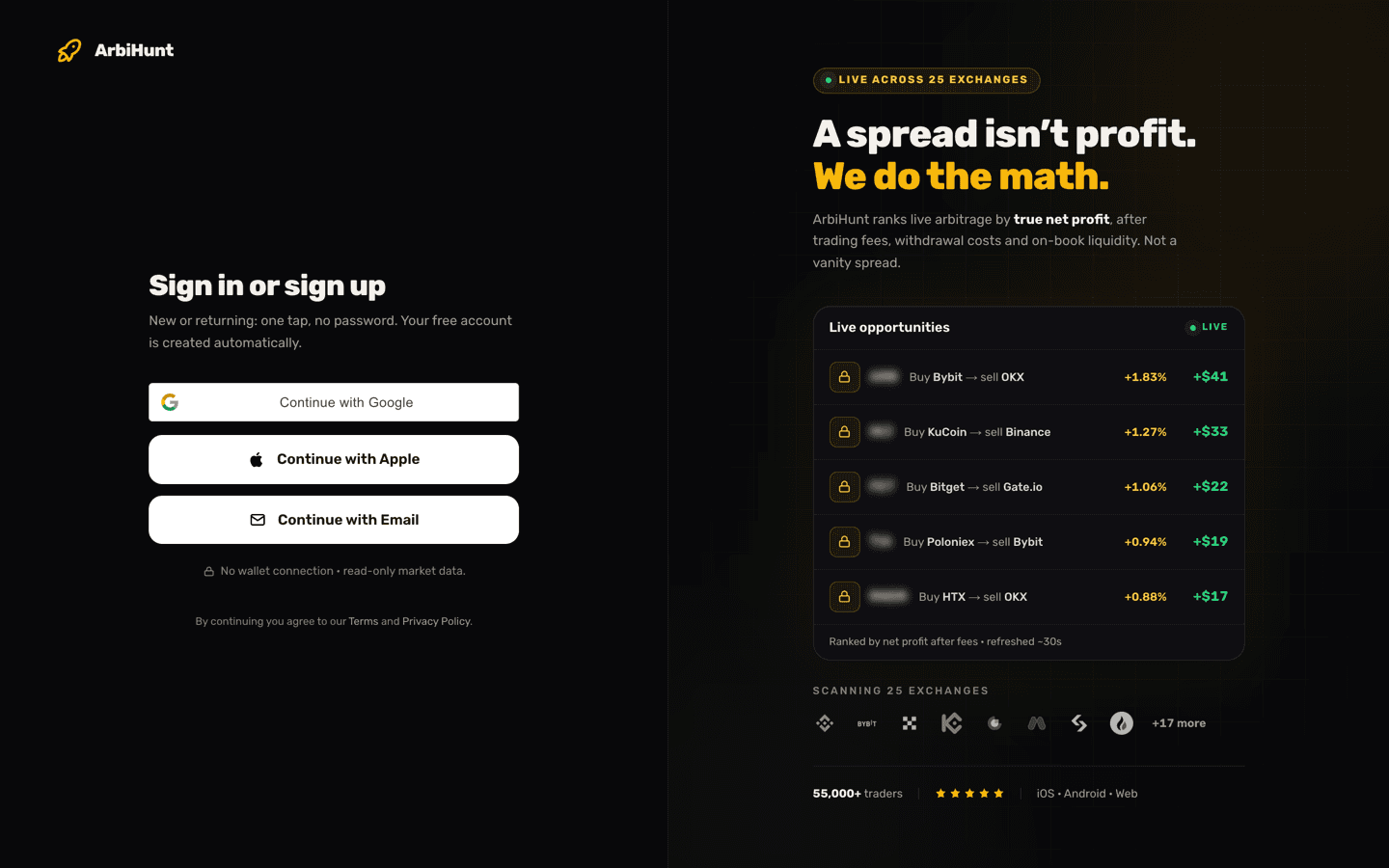
Sign-in is passwordless. The screen at arbihunt.com/login offers three routes and no password field:
- Continue with Google, using the Google account already signed in on your device.
- Continue with Apple, the same with your Apple ID.
- Continue with Email, which sends a 6-digit code to your inbox.
All three do double duty: if you have never used ArbiHunt before, the same tap creates your free account. There is no sign-up form and no password to choose, forget or leak, so if anything asks you for an "ArbiHunt password", it did not come from us.
Your account is identified by your email address: all three routes key off it, so the same address always lands you in the same account and a different one starts a new one. Open Profile from the header and the Sign-in row names the route this account uses, alongside the Account ID worth quoting if you email support.
What happens when you pick Continue with Email?
- Type your address and clear the one-click "are you human" check under the field, which keeps bots off an endpoint that emails anyone.
- Press Email me a code. The form switches to a single code box for the address you typed.
- Enter the six digits from the message. The field accepts digits only, so a pasted space is stripped for you.
- Press Verify & sign in. A short loading screen checks your subscription, then you land on the dashboard or wherever you were headed.
The code has not arrived. What now?
Work down this list; the first two account for most cases.
- Check spam, junk and promotions. Automated sign-in mail is filtered there routinely, and strict work-mail filters can quarantine it. If nothing ever arrives, a personal address is the quicker route in.
- Re-read the address you typed. One wrong character sends the code to somebody else's inbox; Use a different email takes you back to correct it.
- Wait for Resend. The button arms 45 seconds after the code screen appears; send a fresh code and use that email. A spam-folder hint appears on its own after about 20 seconds.
- Use Google or Apple instead. If that account uses the same email address, you land in the same ArbiHunt account, history and plan intact.
- If the human check never loads, a content blocker or a strict DNS filter is the usual cause: allow arbihunt.com and reload, or use Google or Apple, which skip the check.
Does one account cover iOS, Android and the website?
Yes. The iOS app, the Android app and arbihunt.com sign you in to the same account, because all three resolve you by your email address; your display name, chat identity and plan travel with it.
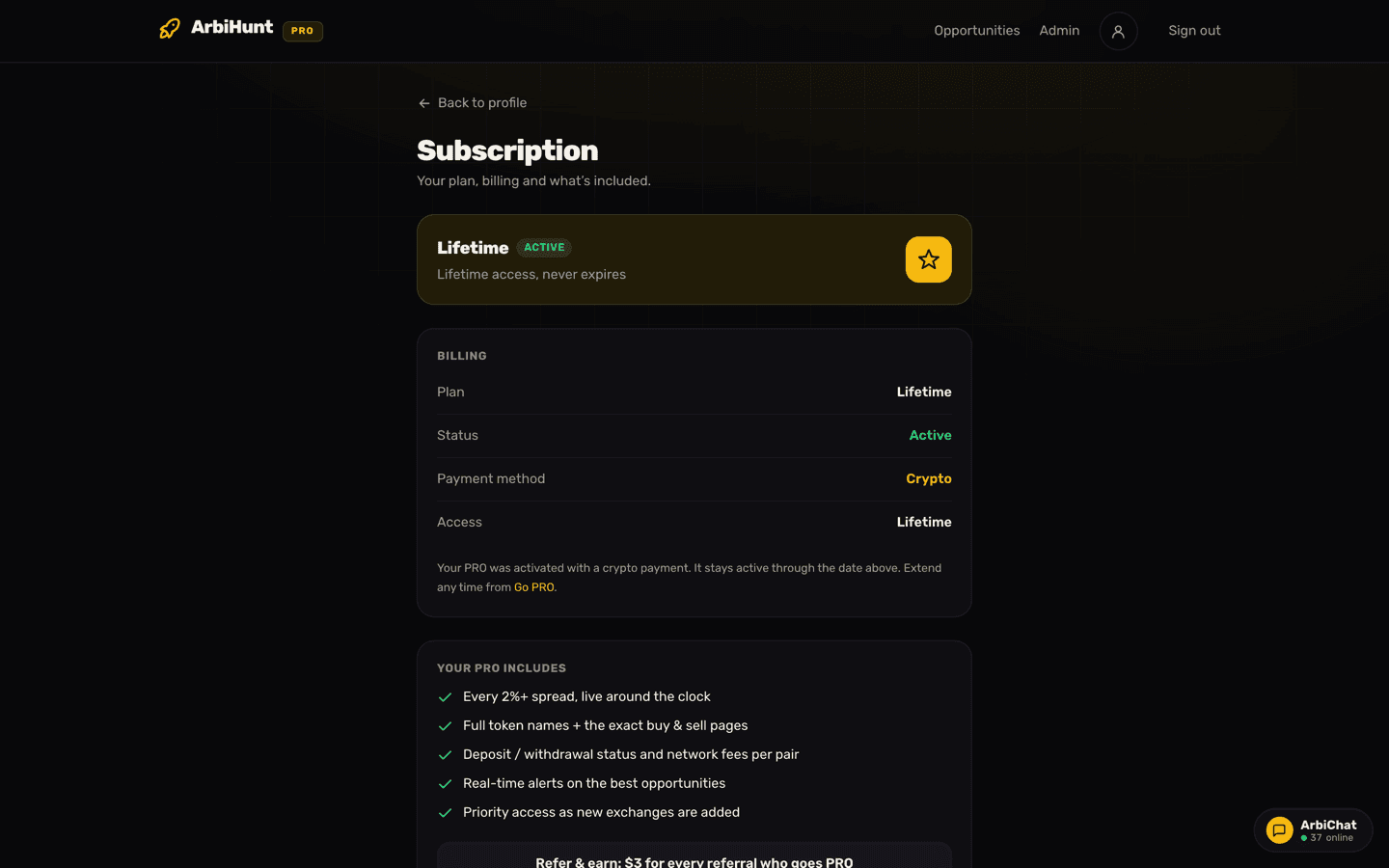
PRO travels too: buy it in the app and the website honours it, pay with crypto on the web and the apps honour it. What that unlocks is in Free vs PRO: what you get.
The hand-off is not quite instant: the web re-checks your subscription when you bring the tab to the front and at least every 20 minutes, so an upgrade bought on your phone can take a moment to appear in a long-open tab; switch away and back, or reload.
If your history or PRO status looks like somebody else's, you are almost certainly on a second account: your Google address, your Apple address and the address you typed can all differ, so sign in with the one you first used. Stuck? Email contact@arbihunt.com naming both.
One account, every device
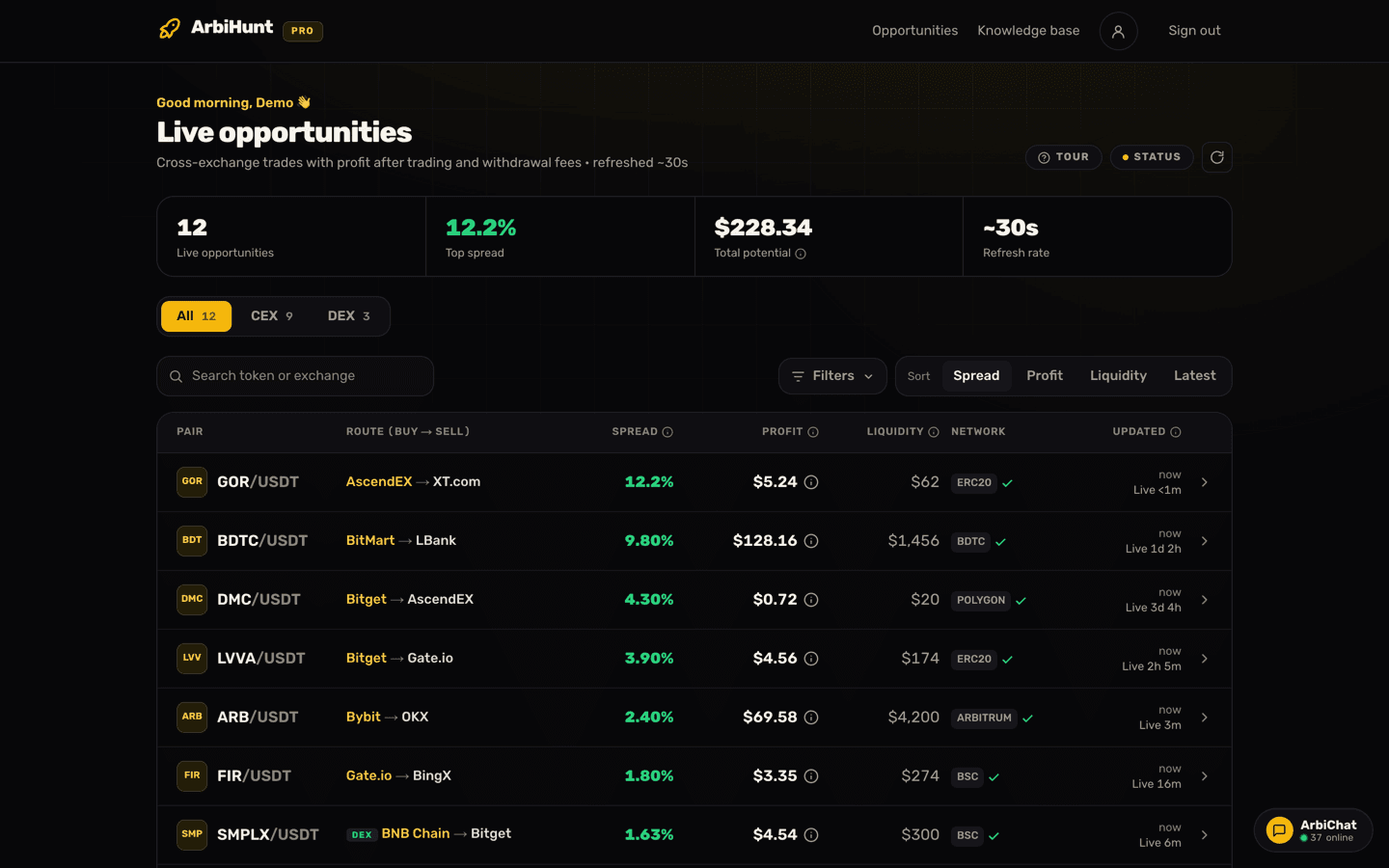
PRO shows the profit in dollars with its calculation, unblurs every opportunity with a spread of 2% or more, and unlocks the filters. One login covers iOS, Android and the web.
How do you change your display name or photo?
On the Profile page, tap the pencil beside your name, type a new one and press Save. It takes effect immediately, and messages you post in chat from then on carry it; older ones keep the name they were posted under.
The rules the form enforces:
- Between 2 and 40 characters.
- At least one letter or number, so an emoji-only name is rejected.
- Names that would read as staff are refused with "That name is reserved. Choose another." That covers anything containing arbihunt or official, plus the exact names admin, administrator, mod, moderator, support, staff and team, so nobody can impersonate us in chat.
Accounts created with the email code start without a name, so a one-time "What should we call you?" prompt appears the first time you open the dashboard; Maybe later defers it, and saving a name retires it. Google and Apple usually supply a name.
For a photo, tap the avatar and pick an image under 10 MB. Your browser crops it to a 256-pixel square and converts it to WebP before uploading, so a multi-megabyte photo leaves your device at around 20 KB. A new photo, unlike a new name, does replace your old one on messages you have already posted.
What does deleting your account actually do?
Deletion lives at the bottom of the Profile page, in the red Danger zone box, behind a deliberate four-step path: open the dialog, read the consequences, type DELETE into the box (capitals optional), then press Permanently delete my account. No stray tap can wipe an account.
What the deletion does:
- Removes your account, profile, saved settings and chat identity. Permanently: no undo, no recovery window.
- Ends PRO access immediately, including any time you have already paid for.
- Leaves the messages you posted in chat in place, but relabels them "Deleted user" and removes your photo.
- Signs you out everywhere.
When it completes you land on the homepage with a short "Your account was deleted" confirmation. If anything fails you are sent back to your profile, still signed in, with a red banner saying so and nothing was removed. There is no half-deleted state.
Deleting your ArbiHunt account does not cancel an App Store or Google Play subscription
Apple and Google own that billing relationship, and nothing inside ArbiHunt can stop it. Cancel in the store first, then delete the account. Crypto plans bought on the web do not auto-renew, so there is nothing to cancel there. The cancellation steps are in Managing your PRO subscription.
Logging out is not deleting
Log out on the Profile page and Sign out in the header end this session and nothing else: your account, plan and history are where you left them. Use it if you are handing your laptop to somebody.
What do the messages on the sign-in screen mean?
- "Sign-in failed. Please try again." The round trip through Google, Apple or the email code did not finish. Start again from the login page, or use a different route.
- "Sign-in isn't available yet. Please try again shortly." A service problem on our side, not on your account.
- Anything else in red is nearly always a mistyped or expired code: send a fresh one with Resend code.
Keeping the account secure
Passwordless login moves the lock rather than removing it: your inbox and your Google or Apple account are now the keys to ArbiHunt, so two-factor authentication there is the highest-value thing you can do. Your money is not at risk either way: ArbiHunt never connects to your exchange accounts, never asks for API keys, never holds funds and never trades. Every order is one you place yourself, none of this is financial advice, and crypto trading carries real risk of loss. Anyone claiming to be ArbiHunt support and asking for API keys, a seed phrase or a "verification transfer" is a scammer. Forward it to contact@arbihunt.com.
New here? Getting started with ArbiHunt walks through your first session, and the getting started FAQ covers what members ask most in their first week.
See it live
ArbiHunt scans 26 exchanges in real time and ranks every spread by true net profit, after fees, withdrawals and live liquidity.