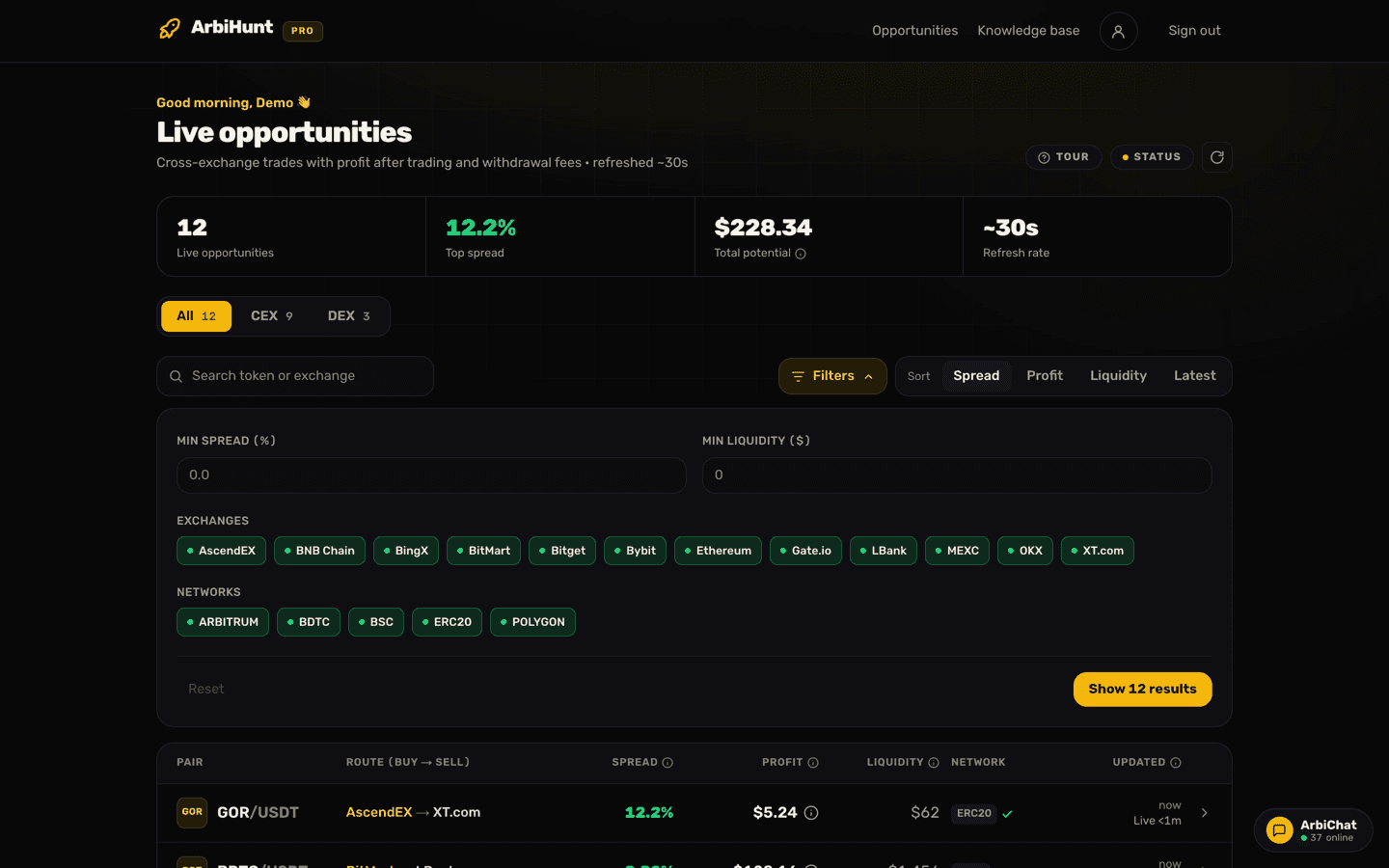
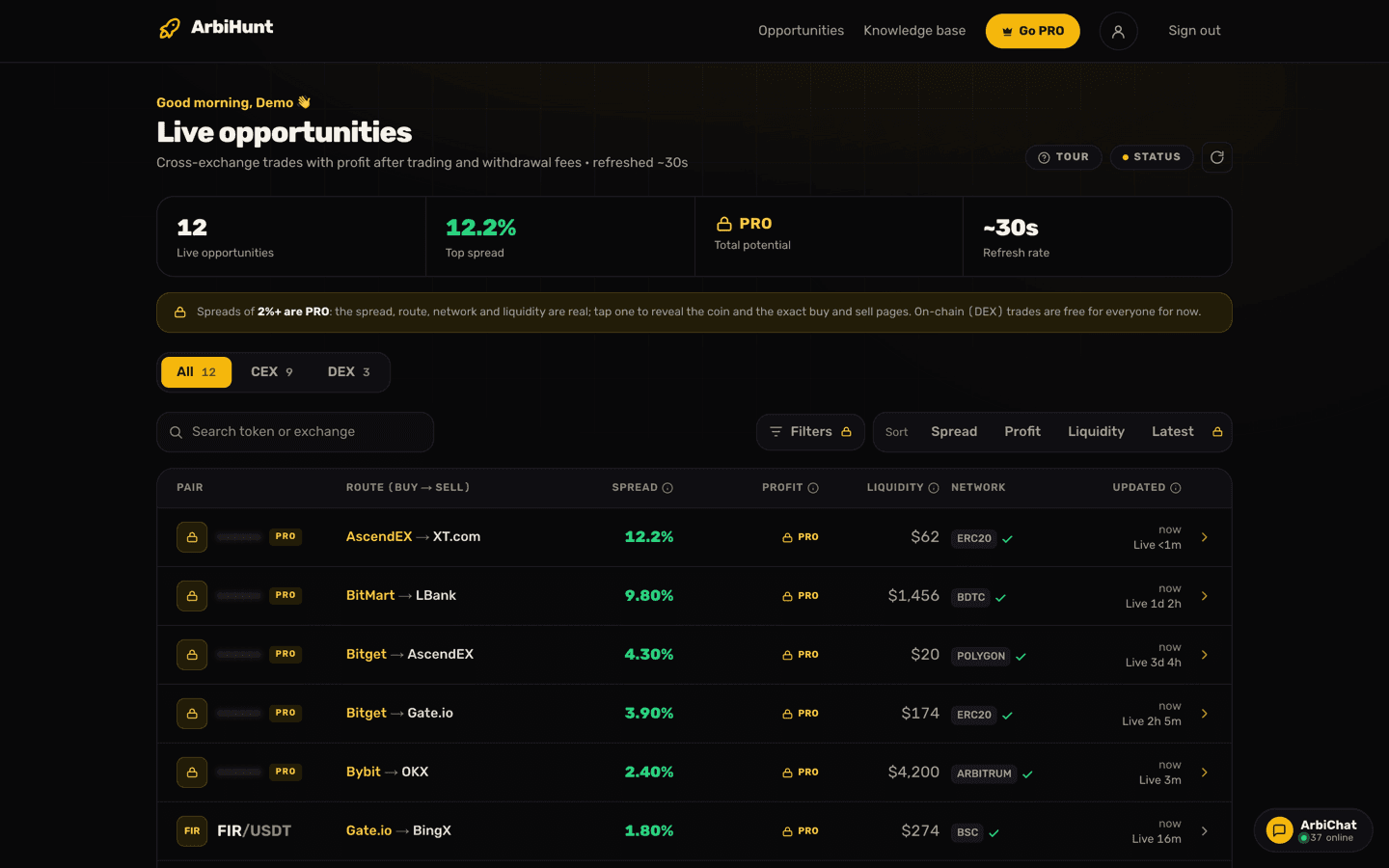
You do not have to watch the board all day. With Telegram trade alerts, ArbiHunt sends you every trade that meets your own criteria, through our bot @ArbiHuntAlertBot, a few seconds after it appears. Each alert has a button that opens the trade in ArbiHunt.
Alerts are part of PRO. They are a copy of the live board, filtered your way: the same trades, the same profit after every fee, nothing extra.
Connect Telegram
You need the Telegram app on the same phone or computer.
- Open the alerts screen. In the app, open the Profile tab and tap Telegram alerts. On the website, open your profile and choose Telegram alerts.
- Tap Connect Telegram. Telegram opens a chat with @ArbiHuntAlertBot.
- Tap Start in that chat.
- Go back to ArbiHunt. The screen now says Connected to Telegram, with your Telegram name.
Alerts start straight away with the default settings. The next step is to make them yours.
Choose what gets sent
A trade is sent when it meets all of these:
| Setting | What it does |
|---|---|
| Minimum profit | The profit after every fee, as the board shows it. $2 or more. |
| Spread | A minimum and a maximum. Leave them empty for any. |
| Trade size up to | Only trades whose size fits what you can fund. Leave it empty for any size. |
| Exchanges | Pick the exchanges you have accounts on. Both sides of a trade must be on your list. None picked means all. |
| DEX trades | Include them, exclude them, or send DEX only, and choose the networks. |
Save, and the new settings apply to the next trade.
Each trade is sent once while it stays live, as its own message. If it leaves the board and comes back later, it can be sent again.
What an alert looks like
Every alert has the same short layout:
- the profit and the spread on the first line;
- the coin, with a DEX tag when one side is a swap;
- where to buy and where to sell;
- the trade size the profit was measured at;
- an Open trade button.
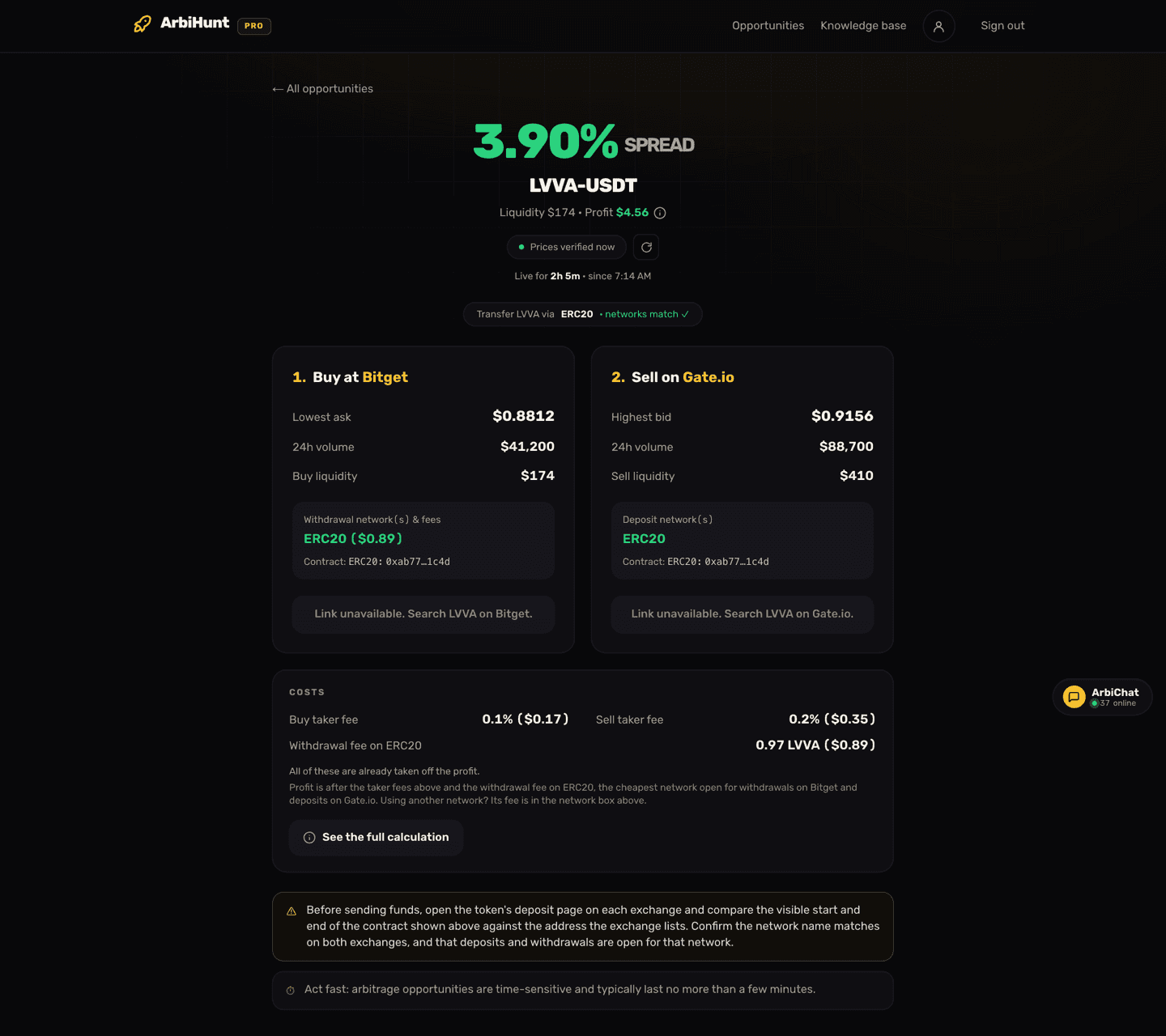
The button opens that trade in ArbiHunt, where you see the full trade page: the network to use, the fees and both legs. The link is personal to your account, and alerts cannot be forwarded: they are for your own use, under our Terms of Use.
An alert is a few seconds old when it arrives
Prices move fast, and about half of all trades are gone within two minutes. Open the trade, check that it is still live, and check the withdrawal and deposit pages on both exchanges before you buy.
Tune it
Too many alerts, or too few? These changes help most:
- Exchanges first. Select only the exchanges where you have a verified account with money on it. An alert for a route you cannot trade is noise.
- Set Trade size up to your balance. A trade sized at $3,000 is no use with $500 on the exchange. (You can still trade a smaller amount; what is liquidity in crypto? shows what that does to the profit.)
- Raise the minimum profit if you get more alerts than you can act on. A few dollars of profit rarely covers the time a transfer takes.
- Set a maximum spread to drop the very wide gaps, which are mostly thin coins with little depth behind them.
- DEX only if you have a wallet. If you have never done a swap, exclude DEX until you have read how to set up a wallet for DEX trades.
Want the same view on the board itself? Using filters to find opportunities covers the board's own filters, which are separate from your alert settings.
Pause or disconnect
- Pause: switch off Send me alerts on the alerts screen, or send /pause to the bot. Send /resume (or switch it back on) to start again. Your settings are kept.
- Check your settings from Telegram: send /status to the bot.
- Disconnect: tap Disconnect Telegram on the alerts screen, or send /disconnect to the bot. To use another Telegram account, disconnect and connect again from that account.
When PRO ends
Alerts stop by themselves when PRO ends, and the bot sends you one message to say so. Your settings are kept. Renew PRO and they start again, with one "back on" message.
If you pay through Apple or Google, we confirm your subscription from time to time through the app. If we cannot confirm it for a while, alerts pause with a message asking you to open the ArbiHunt app once. Opening it is enough to start them again.
Not getting alerts?
Check these in order:
- Is PRO active? The alerts screen says so if it is not.
- Is Send me alerts on? Or did you send /pause?
- Are your settings too strict? A high minimum profit with three exchanges can mean hours without a match on a quiet day. Loosen one setting and wait.
- Are both exchanges on your list? A trade from an exchange you did not pick to one you did is not sent.
- Did you block or delete the bot in Telegram? Open @ArbiHuntAlertBot and tap Start (or Restart). If the screen in ArbiHunt no longer says Connected, connect again.
- Is the board quiet? Alerts follow the board. When the market is calm there are fewer trades, and fewer alerts.
Still stuck? Ask in ArbiChat or email contact@arbihunt.com.
Only one bot is ours
Our only alerts bot is @ArbiHuntAlertBot, and you connect it from inside ArbiHunt. ArbiHunt has no Telegram group or channel, and nobody from ArbiHunt will message you on Telegram asking for a payment or offering "signals". Alerts are information, not financial advice: every trade is yours to check and place.
See it live
ArbiHunt scans 29 exchanges in real time and ranks every spread by true net profit, after fees, withdrawals and live liquidity.