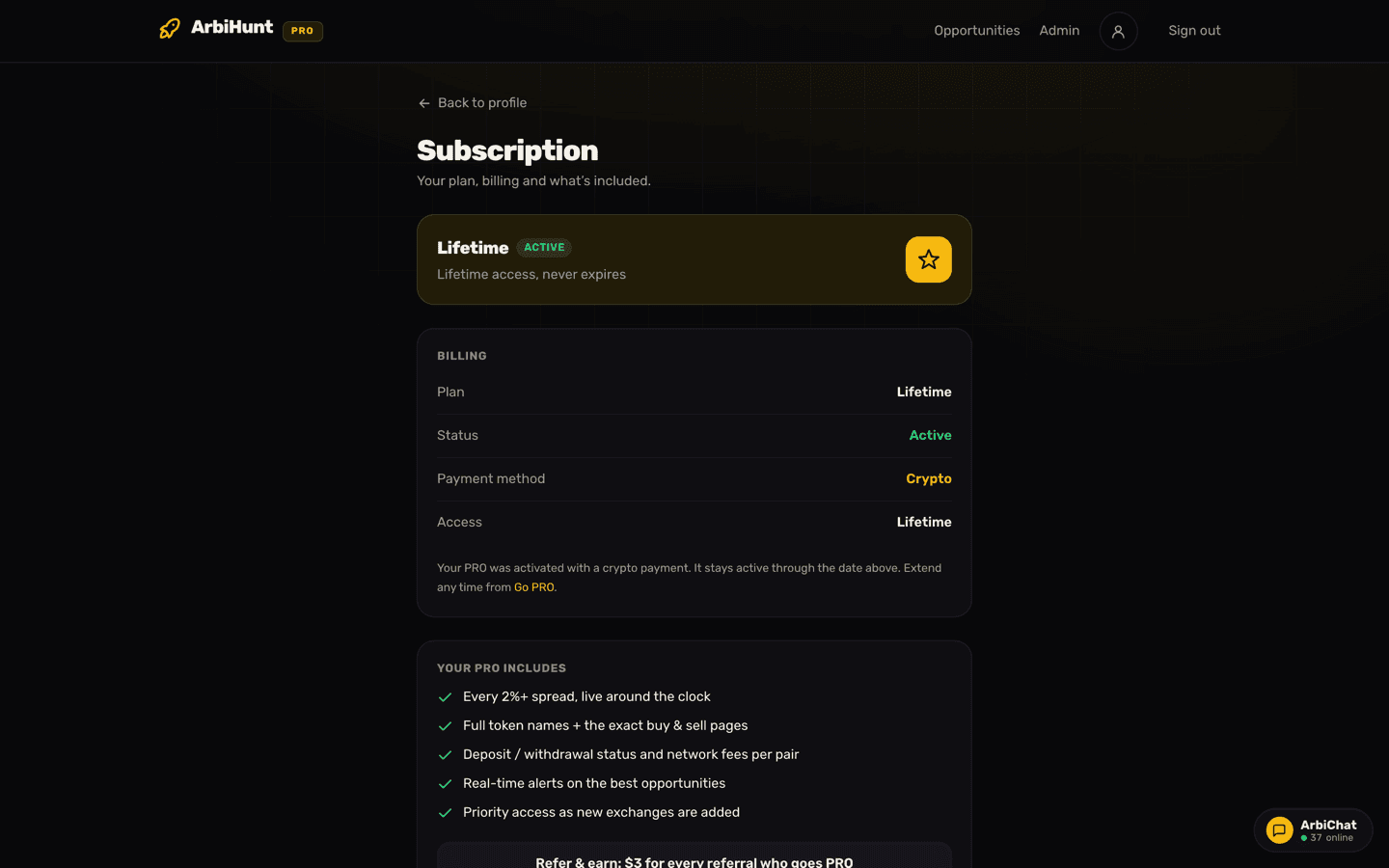
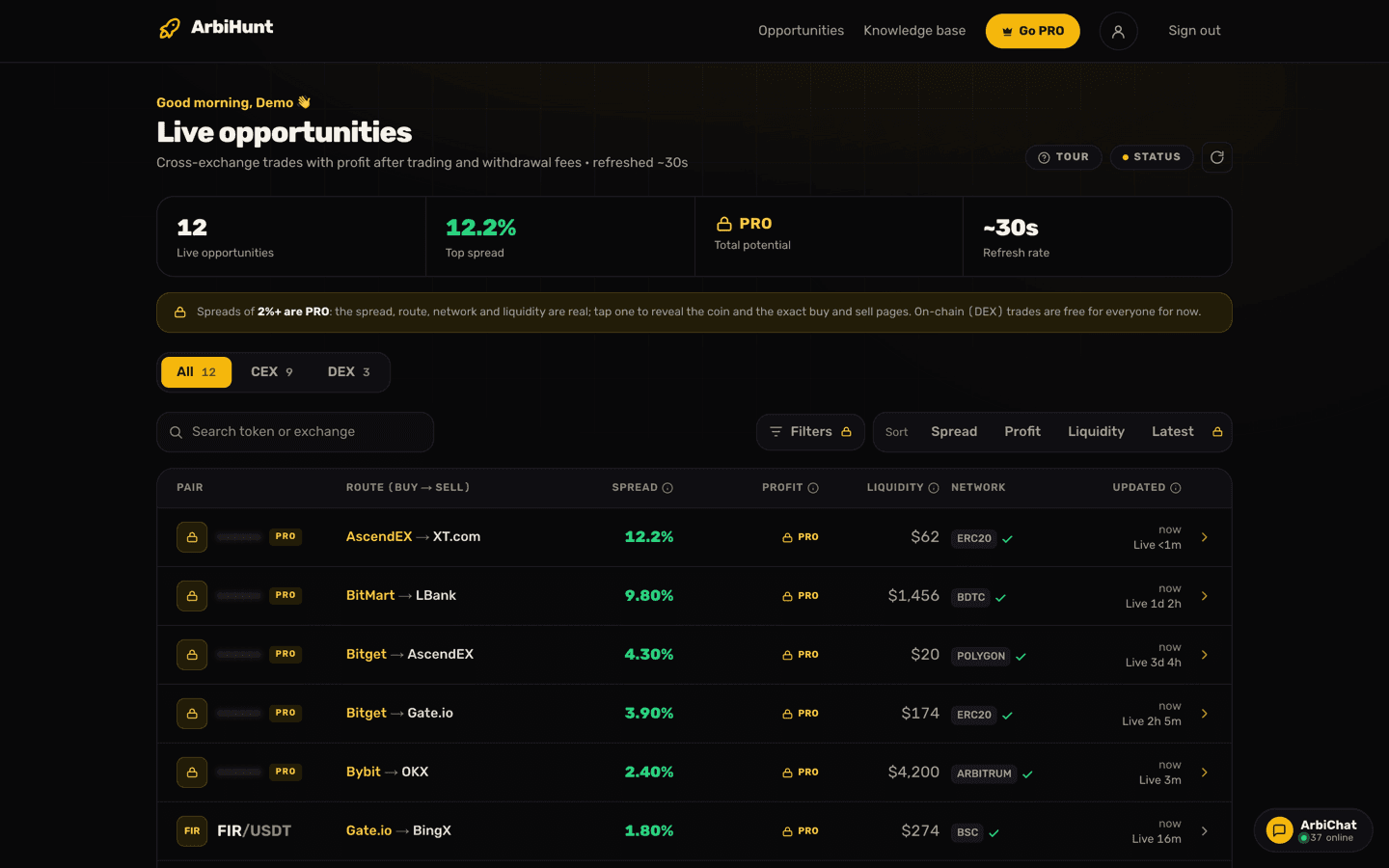
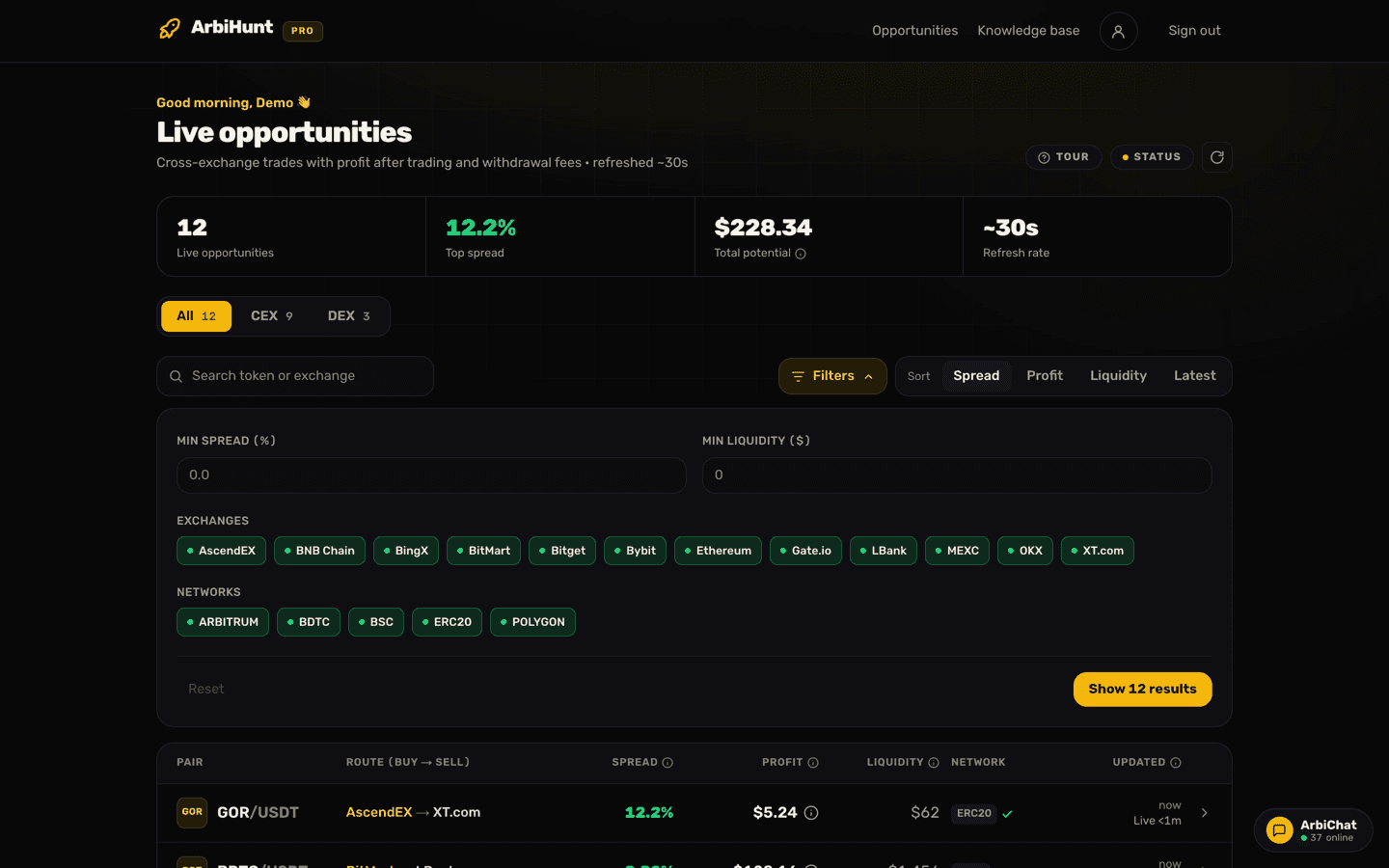
You can pay for any ArbiHunt PRO plan with crypto, Lifetime included, on the website or in the iOS and Android apps. There is no account to connect and no KYC: you send a transfer to our address, the payment is spotted on the blockchain, and PRO switches on by itself, usually within minutes.
Two things go wrong more than everything else put together: a payment sent on the wrong network, and a payment that arrives short because an exchange took its withdrawal fee out of it. Both are easy to avoid, and this page shows how.
Where do I start?
- On the website: open Go PRO, tap Get PRO on a plan, then Pay from any wallet.
- In the app: open the Go PRO tab, tap Pay with crypto, pick a plan, then Any crypto wallet.
Both lead to the same checkout and the same prices, and PRO lands on the account you are signed in with. Check that it is the account you use every day: a different email address is a different account.
| Plan | Price |
|---|---|
| 1 Week | $8.99 |
| 1 Month | $19.99 |
| 1 Year | $125.99 |
| Lifetime | $224.99, once |
Prices change from time to time, and the checkout always shows the current one. Paying from a wallet is the only crypto route at the moment.
Which coins and networks can I send?
| Coin | Networks | Confirmations | Time to send |
|---|---|---|---|
| USDT | Tron (TRC-20), BNB Smart Chain (BEP-20), Ethereum (ERC-20) | 20, 15, 12 | 60 minutes |
| USDC | BNB Smart Chain (BEP-20), Ethereum (ERC-20) | 15, 12 | 60 minutes |
| BTC | Bitcoin | 3 | 90 minutes |
| ETH | Ethereum | 12 | 30 minutes |
USDT on Tron or BNB Smart Chain is the cheapest and quickest for most people. Ethereum works too, but its network fee can be several dollars. ETH has the shortest window because its price moves, and the quote is only good for that long.
Step by step
- Pick the coin, then the network. Choose the network your wallet or exchange will actually send on. If you are not sure what a network label means, choosing the right network explains them.
- Tap Show payment address. You get an exact amount, an address, a QR code and a countdown.
- Copy the amount and the address with the copy buttons, or scan the QR code from your wallet. Do not type them by hand.
- Send one transfer, on the network the order names. The screen warns you: send that coin on that network only.
- Wait, or close the page. The status line changes from "Waiting for payment" to a count of confirmations, then to Payment received. PRO is active! You can leave the page at any point: PRO is switched on by our server, not by your browser or phone. A receipt arrives by email.
Why does the amount have odd decimals?
A 1 Month order does not ask for 19.99 USDT. It asks for something like 19.9911 USDT. Those last digits are a tag that is unique to your order, and they are how we know the transfer is yours: everyone pays to the same address, so the amount is the only thing that tells two payments apart.
That is why the amount has to be exact. Round it to 20 and the tag is gone.
Paying from an exchange: add the fee on top
This is the mistake we see most. When you withdraw from an exchange, the exchange takes its withdrawal fee, and on most exchanges it takes it out of the amount you type. Then less arrives than the order asked for.
Say your order asks for 19.9911 USDT on Tron, and the exchange charges 1 USDT to withdraw on TRC-20:
| You type | Fee taken | What arrives | Result |
|---|---|---|---|
| 19.9911 | 1 | 18.9911 | Short by 1 USDT, not matched automatically |
| 20.9911 | 1 | 19.9911 | Exact, PRO activates by itself |
Every exchange's withdrawal screen shows the amount that will be received, under a name like "Receive amount" or "You will get". Make that line show the exact amount from the order. Some exchanges charge the fee separately instead; then the received amount already equals what you typed, and you change nothing. The checkout says the same in one line: this exact amount must arrive.
One transfer, one network
Send the whole amount as a single transfer. Two smaller transfers do not add up to a match. And send only on the network the order names: USDT sent on another network, or another coin sent to the address, cannot be matched automatically and may be lost.
What if something went wrong?
- The countdown ran out but I already sent it. Keep the page open, or just wait. We keep watching the network, and a payment that confirms after the countdown is still matched to your order. Do not send a second payment, and only start a new order if you have not sent anything yet.
- It arrived short. Usually the exchange's fee came out of it. Message us with your account email and the transaction hash (TXID), and we will sort it out by hand.
- I paid twice, or sent too much. Message us with the transaction hashes and we will match them by hand.
- I sent on the wrong network. Message us with the transaction hash straight away. Whether we can recover it depends on where the funds landed.
- It confirmed but PRO is not showing. Check you are signed in with the same account you paid from, then reload. In the app, close and reopen it.
You can reach us in ArbiChat, at contact@arbihunt.com or through the contact form. The transaction hash is the one thing we always need: it is on your wallet's or exchange's withdrawal history.
Does it renew by itself?
No. A crypto plan runs for the time you bought and then the account goes back to free. Nothing is stored and nothing is charged again. A day before a timed plan ends, we email you a reminder.
To keep PRO, pay again before or after it ends. A new payment is added on top of the days you have left, never instead of them, so renewing early costs nothing. In the app, the Go PRO tab shows your plan, the time left and a Renew with crypto button. Managing your PRO subscription has the details, including how Apple and Google subscriptions differ.
Pay only through the checkout
The payment address is shown inside the ArbiHunt checkout, on arbihunt.com or in the app, and nowhere else. ArbiHunt staff will never message you asking for a payment, and nobody needs your seed phrase, private key or exchange login to activate PRO. If someone in a chat or a direct message offers you PRO for a payment, it is not us.
See it live
ArbiHunt scans 29 exchanges in real time and ranks every spread by true net profit, after fees, withdrawals and live liquidity.